Notification Center on the WB API Portal
Do not miss anything important
Publication date: 26.02.2026
The WB API portal is evolving beyond a documentation hub into a full-fledged working environment for developers and partners. The number of sections on the portal keeps growing — and so does the number of events you don't want to miss. One thing was missing — a way to learn about these events without manually checking every page.
Now it's here. We've launched the Notification Center — a single point through which the portal itself will notify you about events. We're starting with Community notifications, will soon add Company Profile, and further down the line — alerts about updates from Release Notes.
Where to find it?
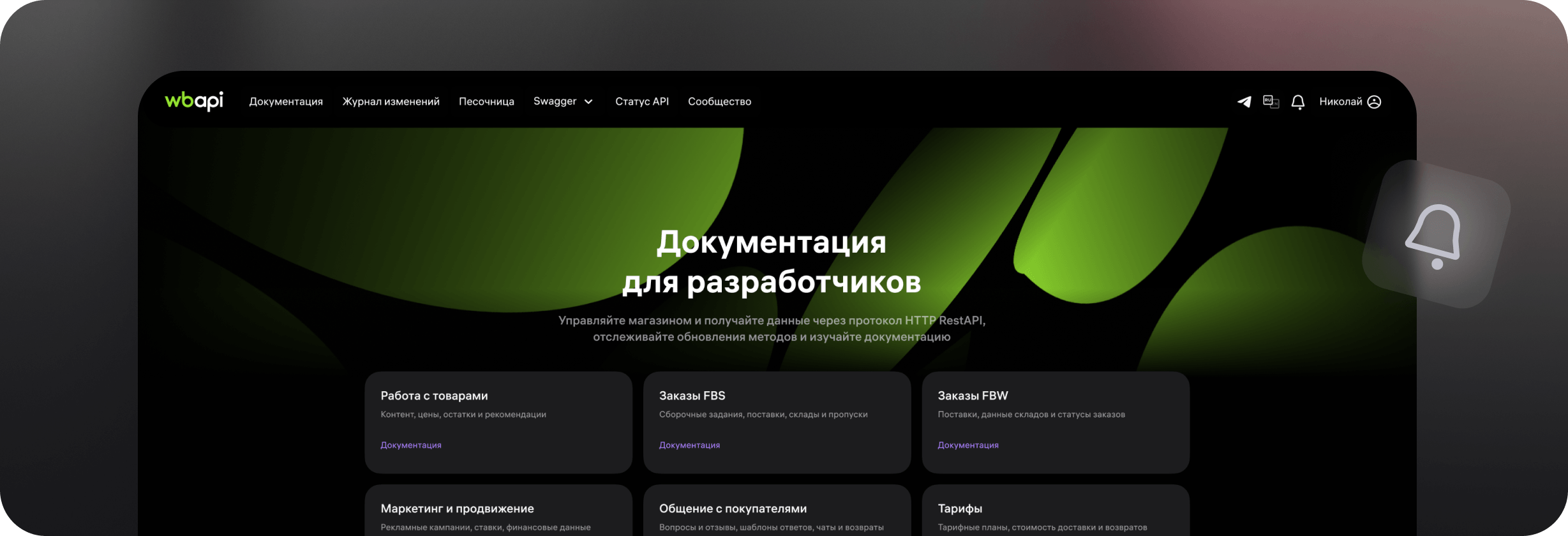

The Notification Center is already available to all authorized users. The bell icon in the top right corner of the site is your entry point.
What's inside?
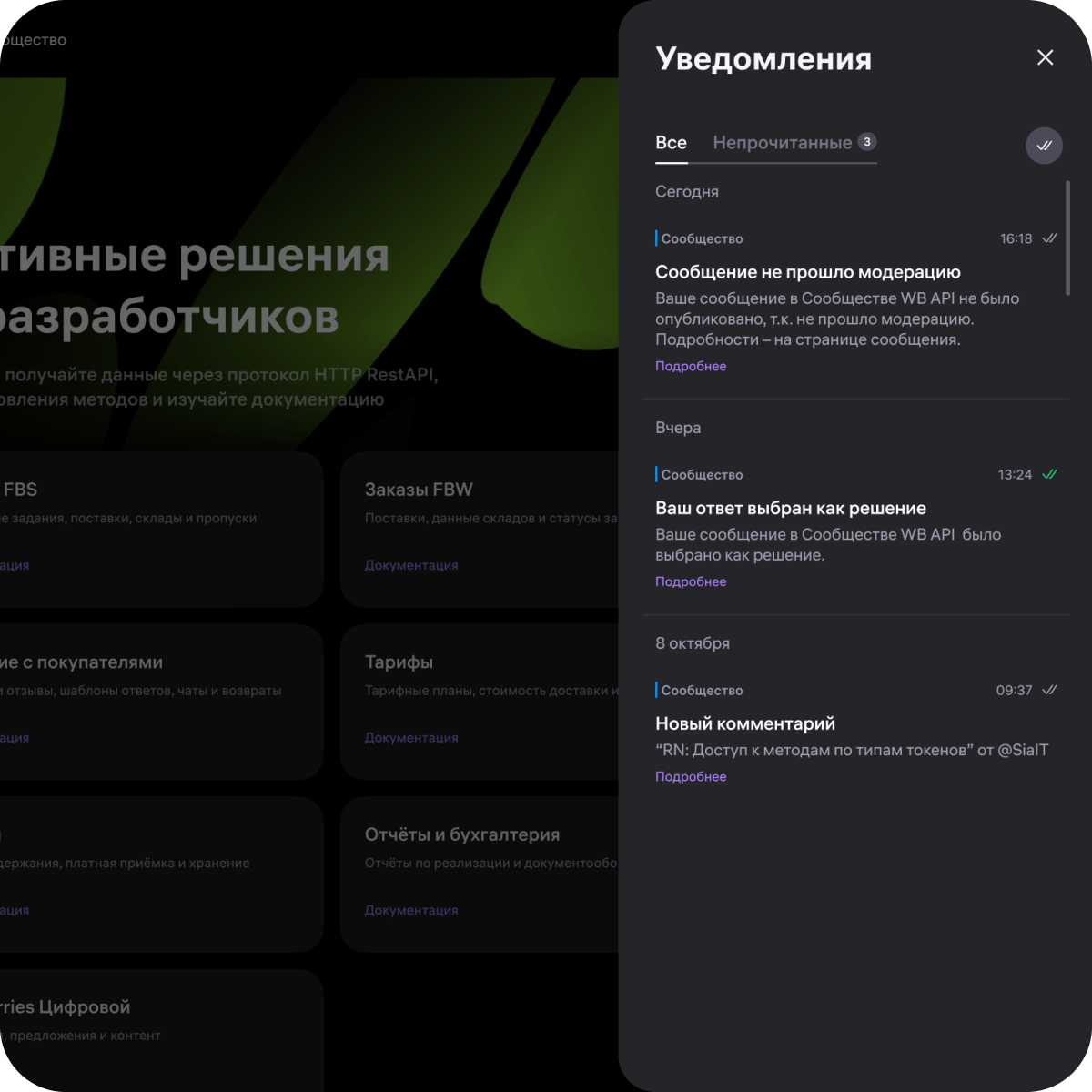
Clicking the bell opens a compact panel with two tabs:
- "All" — the full notification history.
- "Unread" — only what needs your attention right now.
If there are no new notifications yet, the system will suggest going to settings to choose the alerts you want to receive.
What notifications will you get?
At launch, the Notification Center works with the Community (Forum) section. You will receive notifications in the following cases:
- Message moderation — find out whether your post, comment or reply has passed moderation: successfully published, failed review, or sent for re-moderation. Details are always available on the message page.
- New comment on your post — another user has left a comment on your topic. The notification will show the author's nickname and the post title.
- New reply to your comment — someone has joined the discussion and replied to your comment.
- Your answer selected as a solution — your message has been recognized as the definitive answer to another user's question.
Each notification contains a clickable link — it will open the relevant page in a new tab and automatically scroll to the right comment or reply. No need to search manually.
How to set it up?
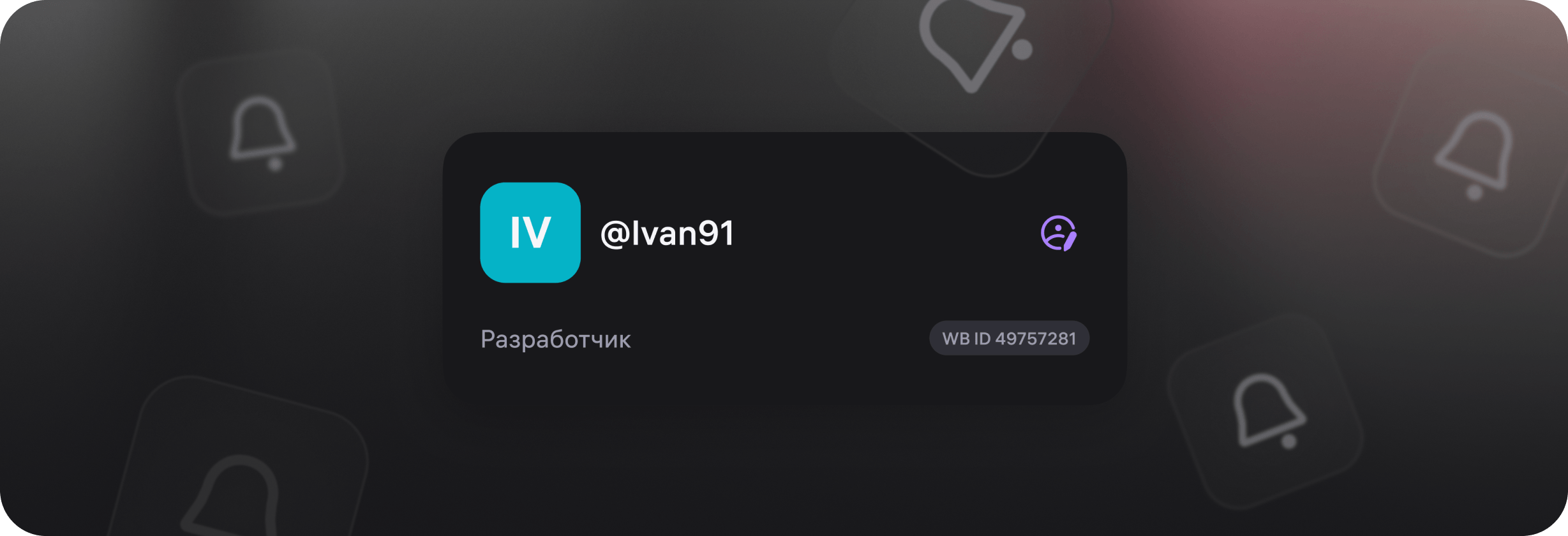
You can manage notifications in your Personal Account. There are two ways to get there:
- Click the bell → select "Settings" in the Notification Center.
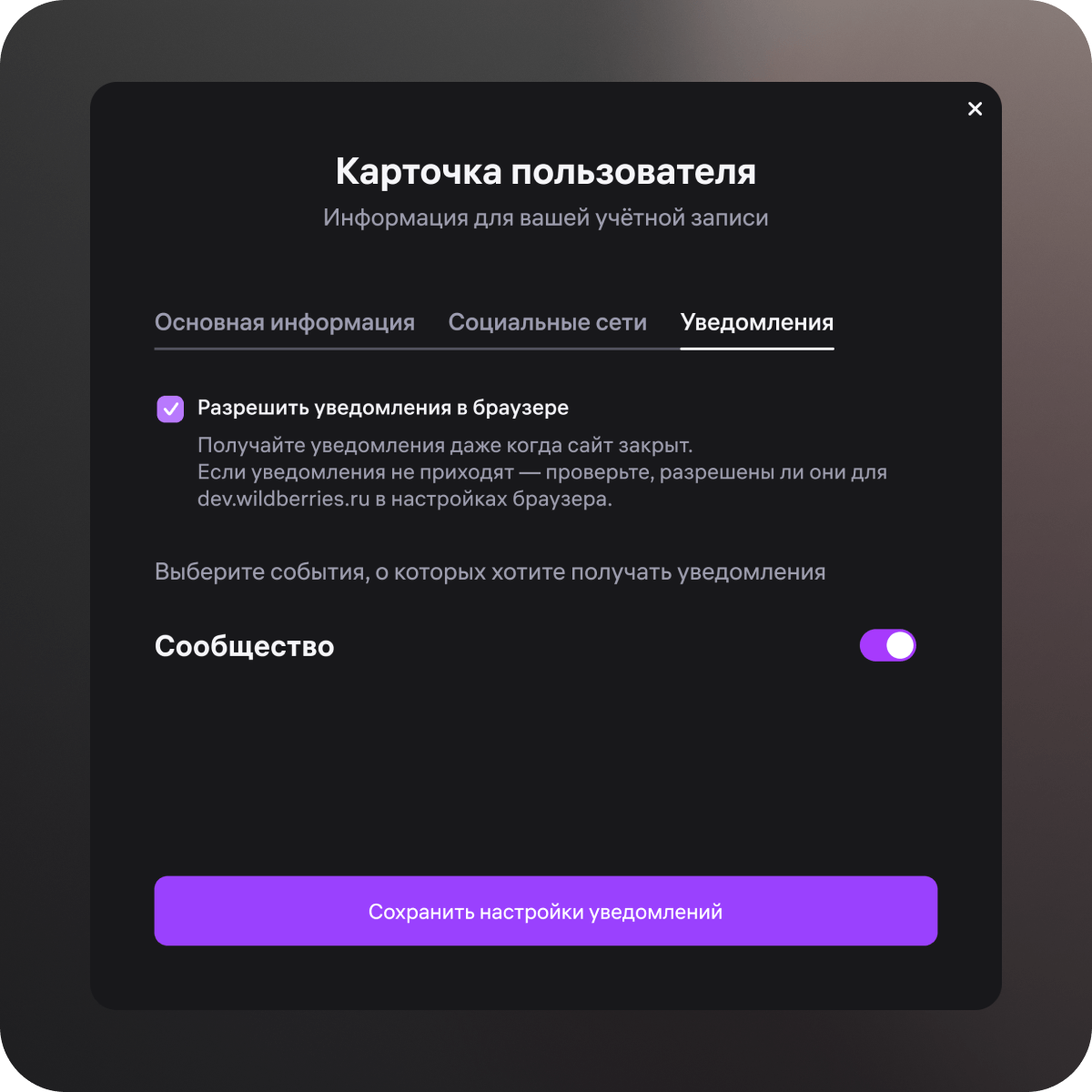
- Open your Personal Account by clicking the purple icon next to your nickname → go to the "Notifications" tab.
On the "Notifications" tab you can:
- enable or disable the "Community" category;
- allow browser push notifications — then alerts will arrive even if the portal tab is closed. If notifications aren't coming through, check whether they are enabled for dev.wildberries.ru in your browser settings.
What's next?
Community notifications are just the first step.
In upcoming releases, the Notification Center will deliver events related to Company Profile — a service for those who professionally build integrations for Wildberries sellers. We also plan to add alerts about updates from Release Notes, so you can learn about API changes as quickly as possible.
We are developing the portal as a self-sufficient platform for working with WB API — a place where documentation, discussions and notifications are united in a single system and always accessible directly, without intermediaries.
Turn on notifications and stay connected — everything important is now on the portal.